
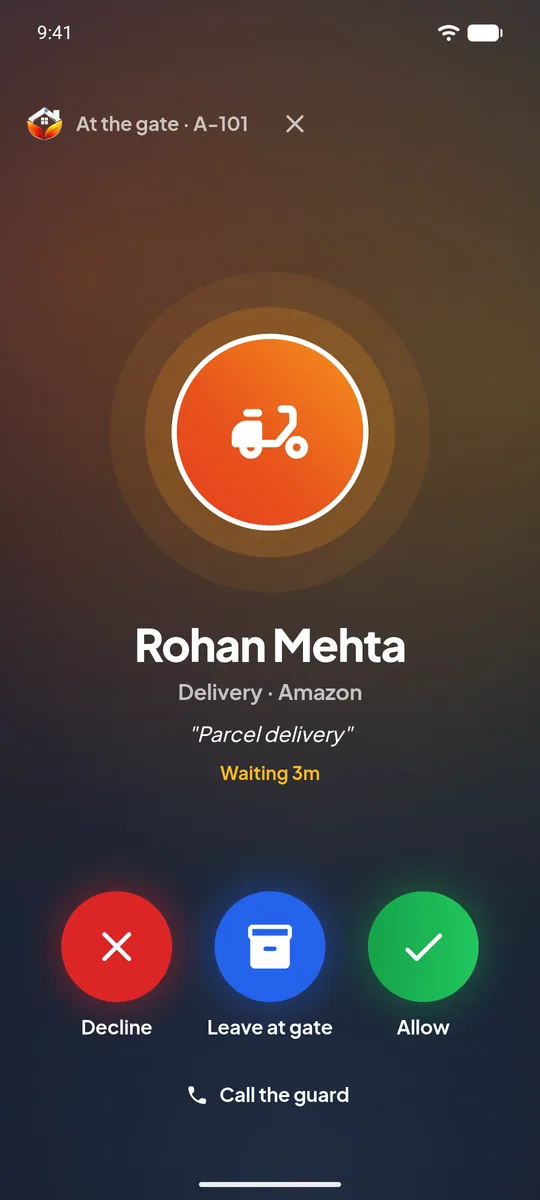
Residents
Approve a guest from the office or from another city. Invite friends in advance. Tell the guard to keep the parcel. See who visited the flat last week.
UrbanGate replaces the phone call from the gate with a request that rings on the resident's own phone. The resident answers in one tap, the guard sees the answer at once, and the society keeps a record of every visit.
Last updated 26 October 2026Intercoms go unanswered and chat groups get noisy. UrbanGate sends the visitor request straight to the flat that the visitor has come to see.
By scanning a pre-approved pass, or by adding a walk-in with name, mobile number, purpose, the number of people and a photo.
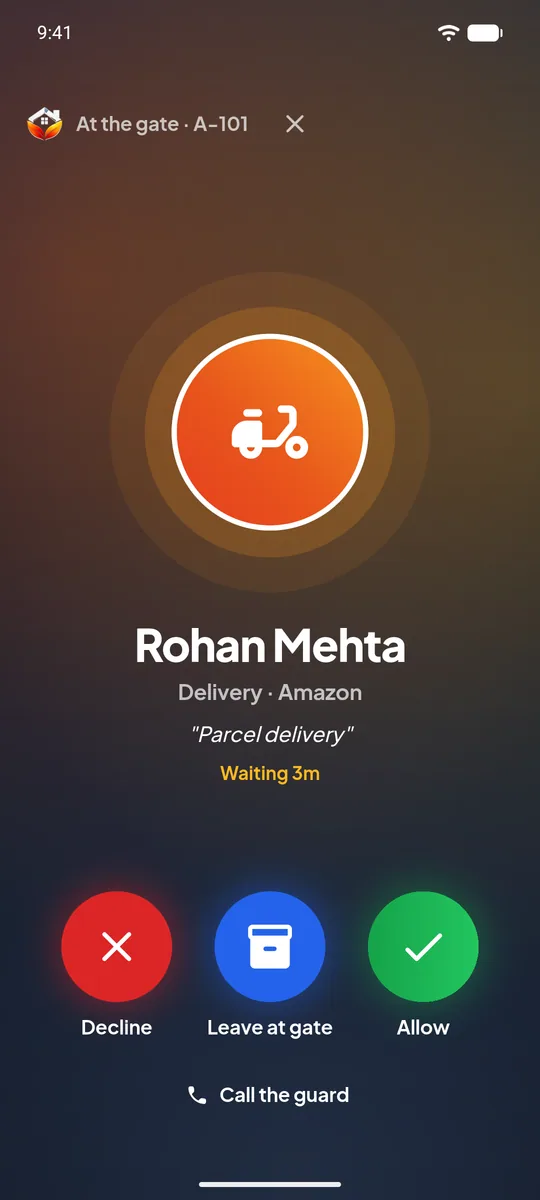
A full-screen request opens on the resident's phone, even on the lock screen, with the visitor's details.
Allow, decline, or leave at gate. The guard sees the answer the moment it is given.
The entry stays in the society's visitor history, with the time and who approved it.
Approve a guest from the office or from another city. Invite friends in advance. Tell the guard to keep the parcel. See who visited the flat last week.
Big buttons, a camera scan for passes and vehicle stickers, a queue of visitors waiting for an answer, and a list of who is inside. About the guard app
Gate activity and visitor history for the whole society, from the office app or the web panel, with no paper register to search through.
Yes. The request is a high-priority alert that opens full screen, like an incoming call. A short set-up page in the app turns on the permissions the phone needs for this.
The guard sees that the request is still waiting and can call the flat from the app. The society decides its own rule for visitors who are not answered.
Yes. The resident adds the guest and shares a pass. At the gate the guard scans it, and the guest is let in without a call.
No. The guard uses an Android phone with the UrbanGate guard app. The camera scans passes and vehicle stickers.