
Maintenance billing software for housing societies, with a receipt for every payment
A simple, careful flow that the committee can explain to any resident: bills are made per flat, owners report what they paid, the office approves it, and a numbered PDF receipt is issued. No spreadsheet, no payment gateway fees.
Last updated 26 October 2026Dues, payments and receipts, in order
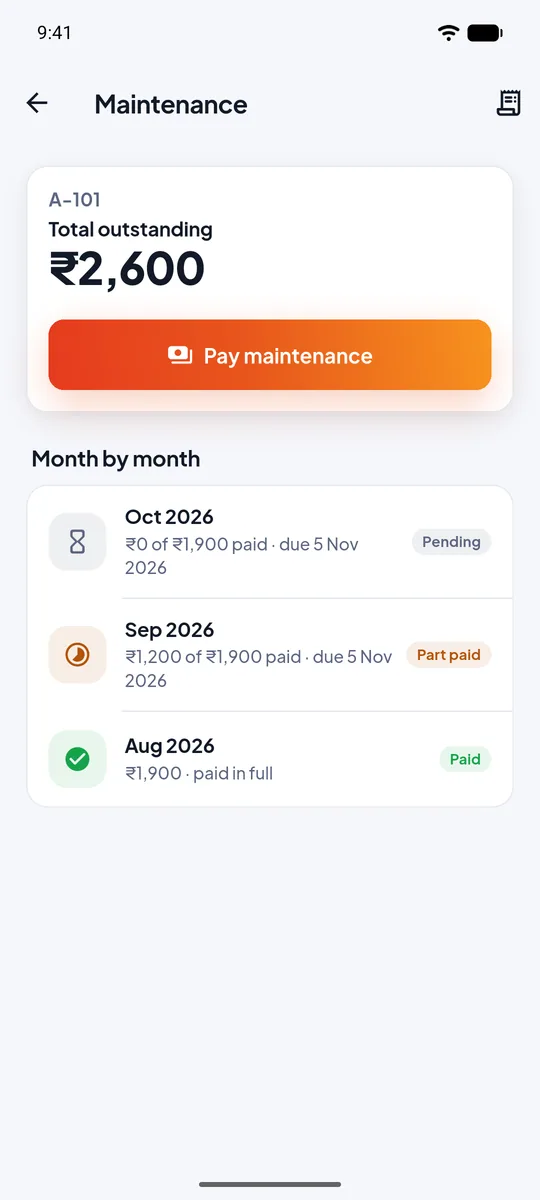
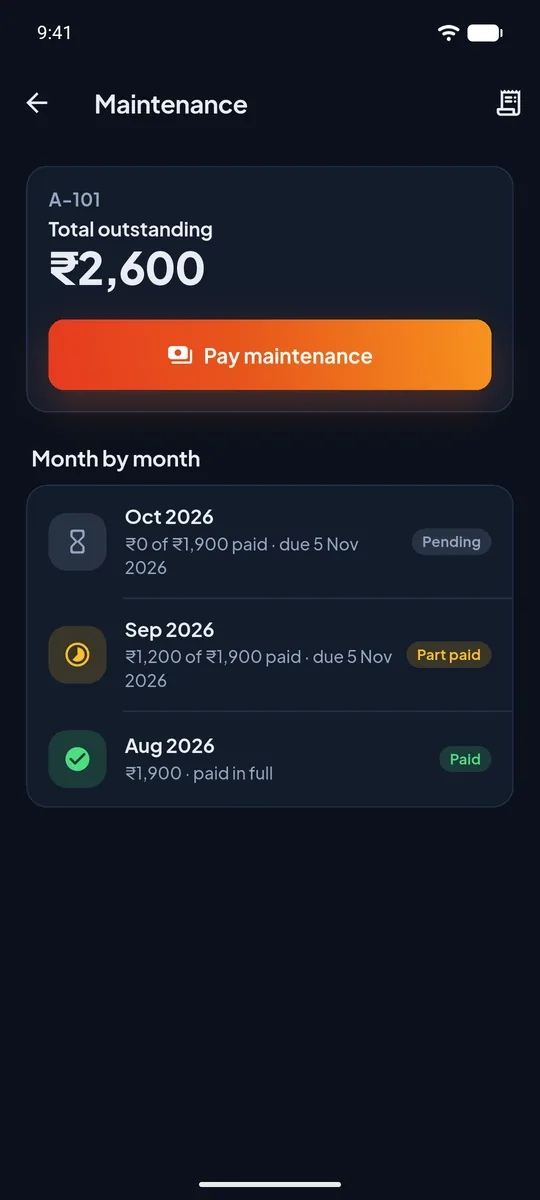
- Automatic bills. Choose the amount per flat, how many months each bill covers (1, 2, 3 or a custom number up to 12) and the day of the month it is made.
- Owners pay, the office approves. The flat's owner reports a cash or UPI payment with the date and reference. It counts only when the office approves it.
- Oldest first. Part payments clear the oldest month first. Extra money is held as advance and used on the next bill.
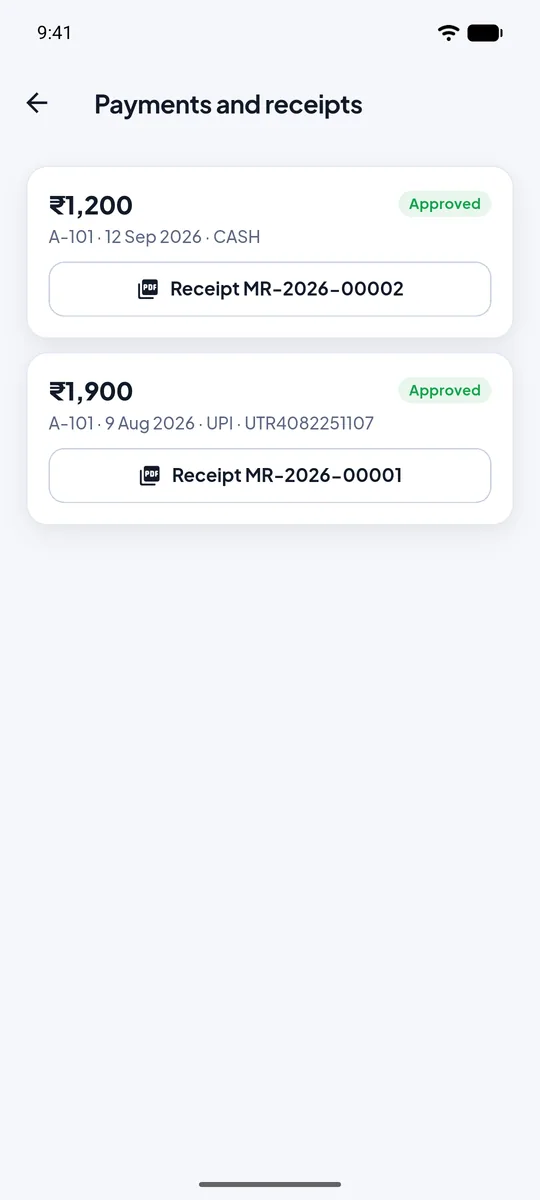
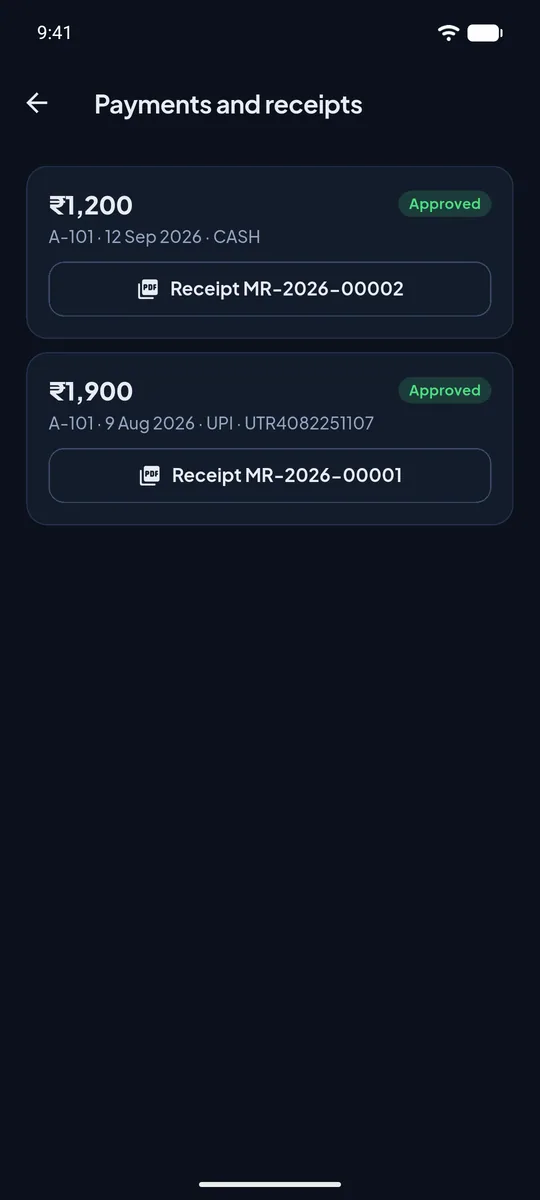
- A PDF receipt for each approved payment, with a running number, the months it paid and the balance still due. It stays in the owner's app.
- Expenses and society books. Record what the society spends and see credits and debits in one place.
- Reversals, not deletions. A wrong entry is reversed with a note, so the history stays honest and the audit log shows who did it.
From the bill to the receipt
The bill is made
On the day the society chose, every flat gets its bill for the months it covers. Owners see it in the app.
The owner pays and reports it
Cash at the office or UPI to the society's account. The owner enters the amount, the date and the reference in the app.
The office approves
The committee checks the payment against the bank or the cash book and approves it. Only then does it count.
The receipt is issued
A PDF receipt with its own number is built and kept in the owner's app. The dues and the society's books update at once.
An overview the treasurer can trust
- Billed, collected, pending, overdue and advance held for the whole society, on the office app and the web panel.
- Per-flat ledger showing every bill, payment, receipt and reversal.
- Only the owner pays. Tenants and family members see the dues but cannot report a payment.
- No gateway, no cut. UrbanGate records the payments the society receives; it does not process money or charge a fee on it.
About maintenance billing
Does UrbanGate collect the money online?
No. The society collects maintenance the way it does today, in cash or by UPI to its own account. UrbanGate records those payments, so there are no payment gateway fees.
Is there a limit on how many months one bill can cover?
A bill can cover 1, 2 or 3 months, or a custom number of months up to 12. The choice is made once for the society and applies to new bills.
What does a receipt contain?
A running receipt number, the society and flat, the amount, the mode (cash or UPI), the date, the months it was set against and the amount still due. It is a PDF that stays in the owner's app.
What if a payment was approved by mistake?
The office reverses it with a note. Nothing is deleted: the reversal is a new entry, the dues are restored and the audit log shows who did it and when.
Can the society record its expenses too?
Yes. Expenses are recorded against the society, and the books show credits and debits together.