
Roles and permissions
Each committee member gets only the rights they need: approving maintenance, managing guard tasks, publishing notices, handling SOS.
The society office has its own app on the phone and a web panel for the big screen. Billing, approvals, gate activity, guard tasks and settings, with the same look and the same data in both.
Last updated 26 October 2026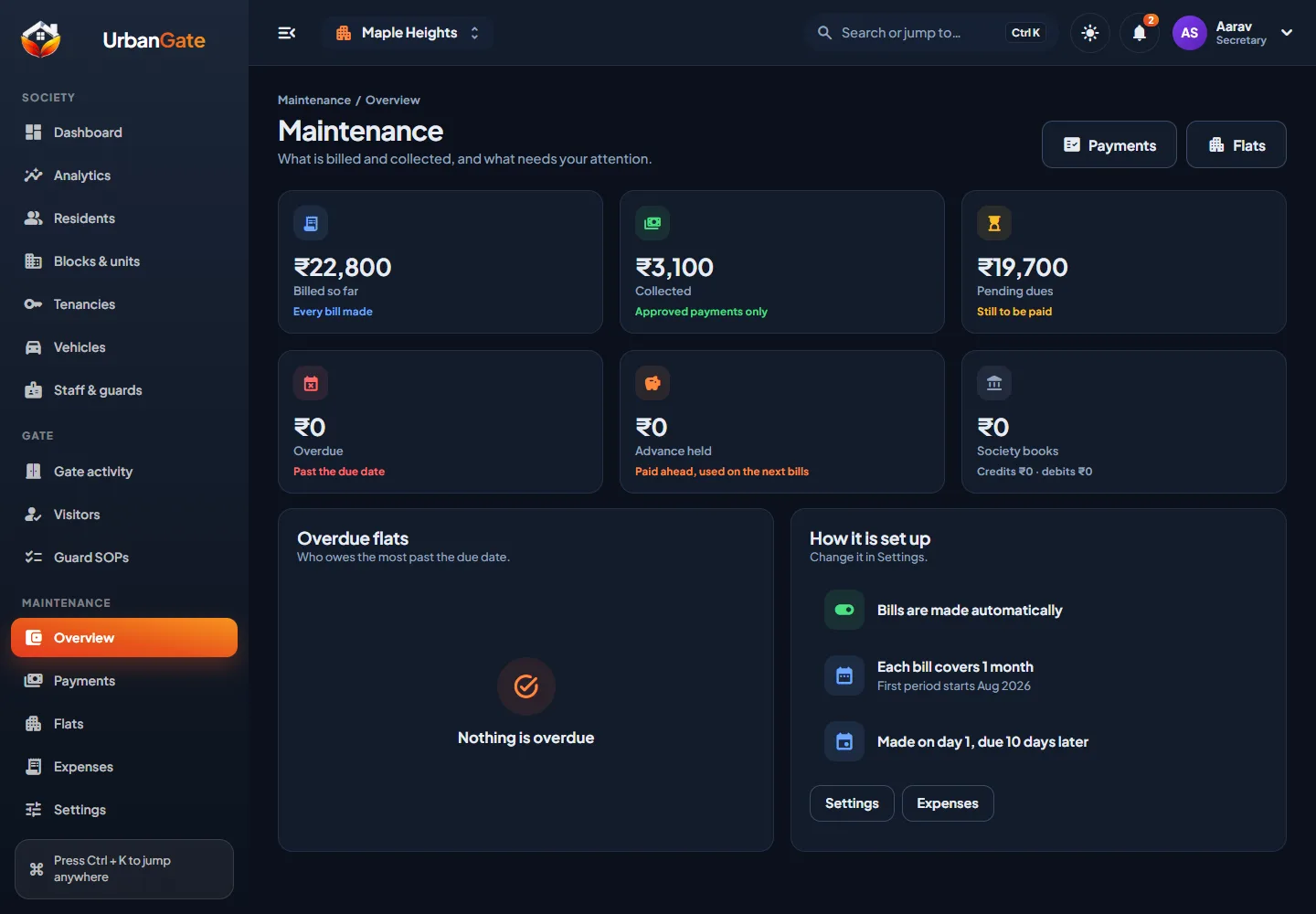
Each committee member gets only the rights they need: approving maintenance, managing guard tasks, publishing notices, handling SOS.
Who approved, changed or reversed what, and when. Wrong entries are reversed with a note, never deleted.
Billing amount and cycle, the day bills are made, the committee members who handle SOS, languages and more.
The same approvals, records and alarms on the phone, for a treasurer who is not at a desk.
A big screen for the monthly billing run, reports and bulk set-up of blocks, flats and residents.
Mobile number and a one-time code by SMS, for the committee as for everyone else.
Name, address and the committee members, with the rights each one needs.
Wings, floors and flats, from the web panel in one sitting.
Residents ask to join from the app and the office approves them. Guards are added with their mobile numbers.
The maintenance amount and cycle, and the timed tasks for the guards. Then the first bills go out.
Yes. One price per society covers the resident app, the guard app, the office app and the web panel. See pricing.
Yes. Every committee member signs in with their own mobile number and gets the permissions the society gives them.
The web panel opens in a browser. The office app is the same UrbanGate app, with the office view for committee members.