
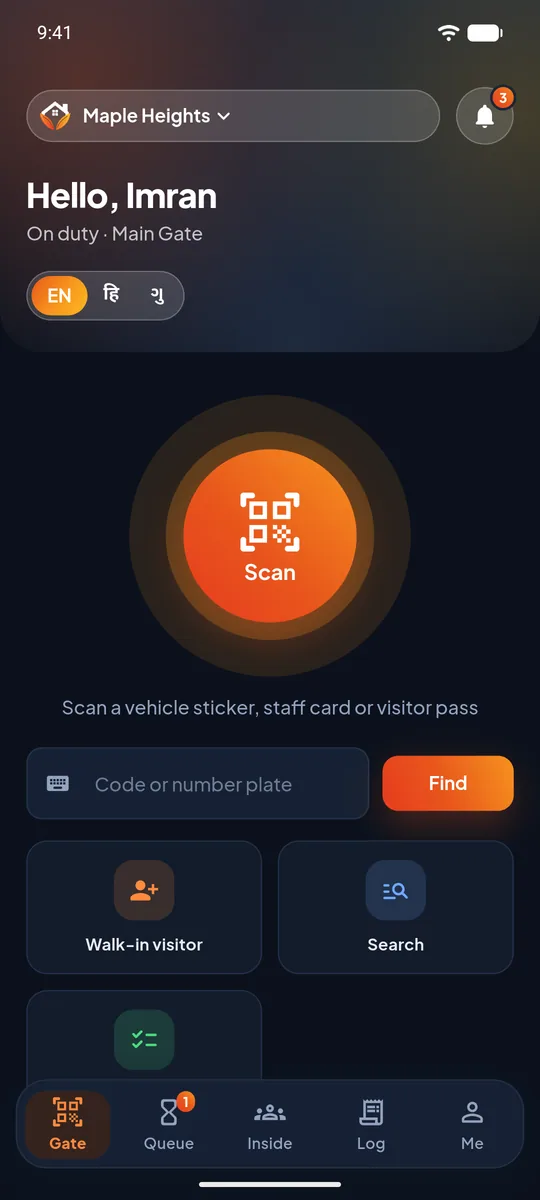
English, Hindi and Gujarati
The guard chooses the language. Screens, buttons and alerts all follow it, so nothing at the gate depends on reading English.
Big buttons, the guard's own language and only the tools the gate needs. The UrbanGate guard app runs on an ordinary Android phone and replaces the paper register, the intercom and the chat group.
Last updated 26 October 2026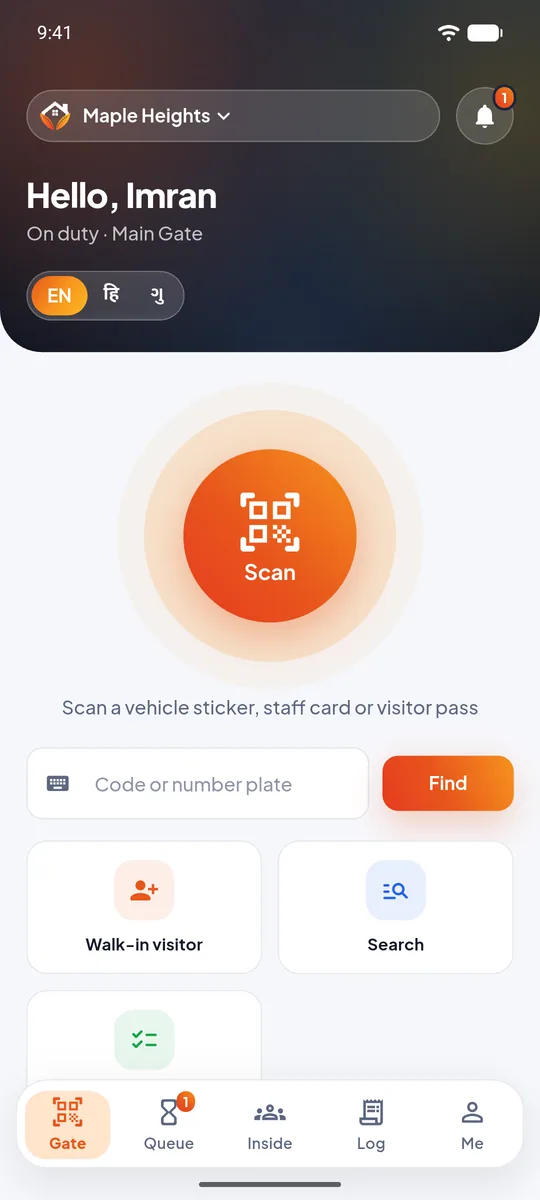
The guard chooses the language. Screens, buttons and alerts all follow it, so nothing at the gate depends on reading English.
A guard who works at more than one society signs in once. Every alert shows which society it came from.
A guard account cannot add a home as a resident or see the society's money. It sees visitors, vehicles, alarms and tasks.
Residents and the committee see the society's guards on their dashboard and call one with a tap. SOS and call security
Pump off, gate check, lights off: the office sets the time and the guards' phones ring until one marks it done. Guard tasks
Every scan, walk-in and approval is in the society's gate activity, from the office app or the web panel.
A one-time code by SMS. No passwords to remember or share between shifts.
Guests with a pass and vehicles with a sticker are scanned. Everyone else is added as a walk-in with a photo.
The request rings on the resident's phone. The guard sees Allow, Decline or Leave at gate the moment it is tapped.
An SOS or a guard task rings full screen. The guard taps "I am responding" or "Done", and everyone else sees it.
An Android phone with a camera and internet. The society usually keeps one phone at the gate that every shift uses.
Yes. Each guard signs in with their own mobile number and a one-time code, so the society knows which guard registered each visitor.
The guard sees what the gate needs: flat numbers, vehicles and the answer to a visitor request. The guard cannot see maintenance, payments or the society's records.
Yes. The guard app and its alerts are available in English, Hindi and Gujarati, and each guard picks their own language.