
Water pump on and off
The most common one. A pump left running overnight is wasted power and an overflowing tank.
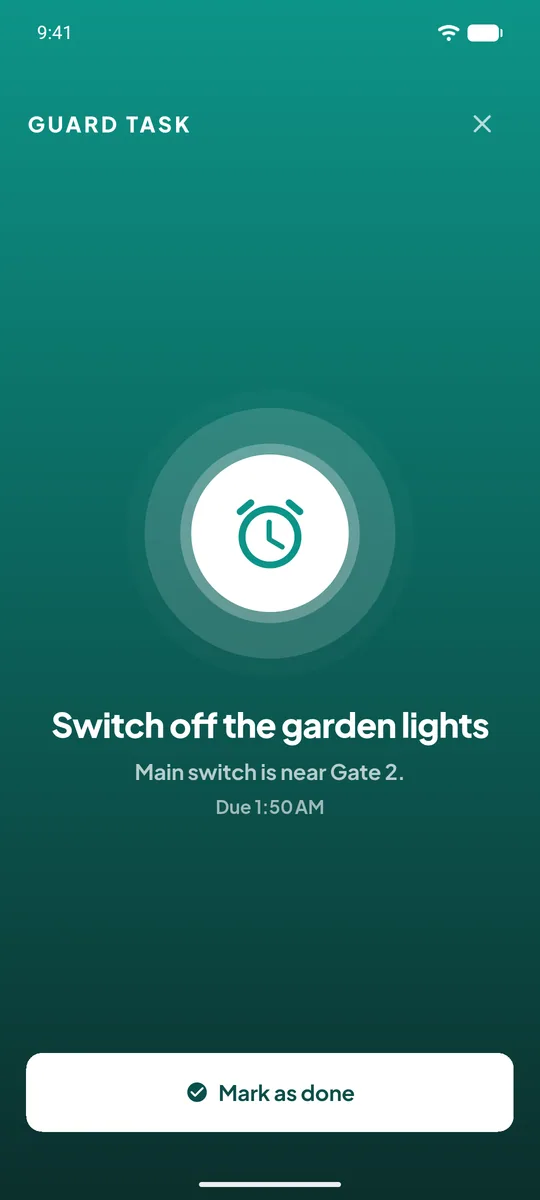
Switching the water pump off, closing a gate, turning off the garden lights. The society office sets the task once, and UrbanGate makes sure a guard notices it every single day.
Last updated 26 October 2026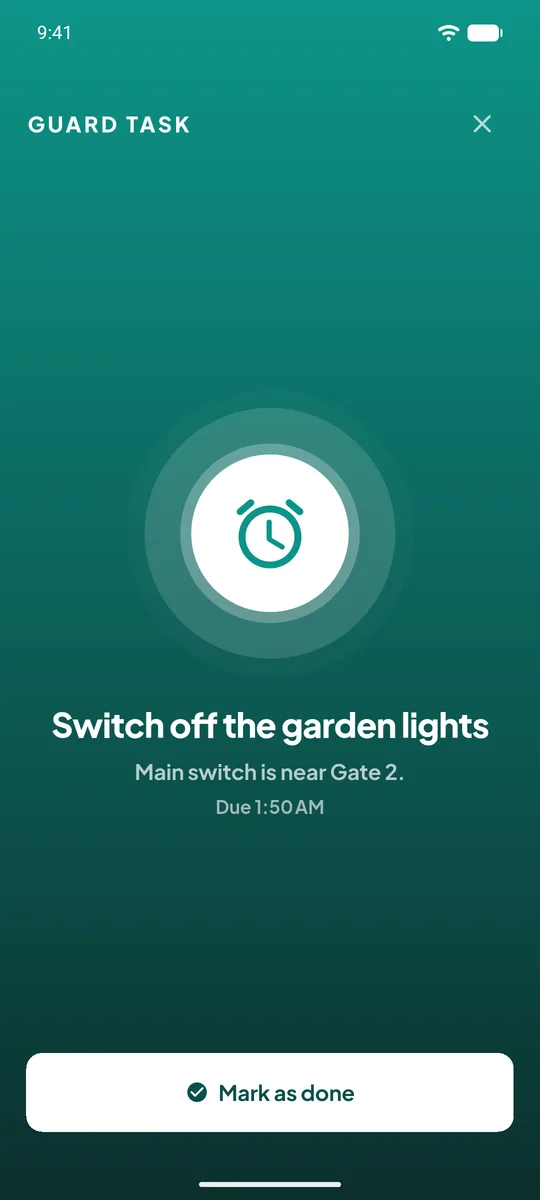
A name, a time and the days it applies. "Water pump off, 10:00 pm, every day."
At that time, the phones of the guards on duty ring with the task alarm, full screen.
The alarm stops for everyone and the run is recorded with the guard's name and the time.
If nobody marks it done, the alarm repeats and the office is informed. The miss stays in the history.
The most common one. A pump left running overnight is wasted power and an overflowing tank.
A reminder to walk to the second gate and confirm it is locked, with the time recorded.
Garden and corridor lights off in the morning, the clubhouse locked at closing time.
Every guard of the society is rung, and the first one to mark the task done stops it for the others.
The alarm repeats, and the society office is told that the task was missed. The miss is kept in the run history.
Yes. Each task has a time and a set of weekdays, so a task can run on weekdays only, or on one day a week.
Committee members with the guard-task permission, from the office app or the web panel. Guards can only mark a task done.