
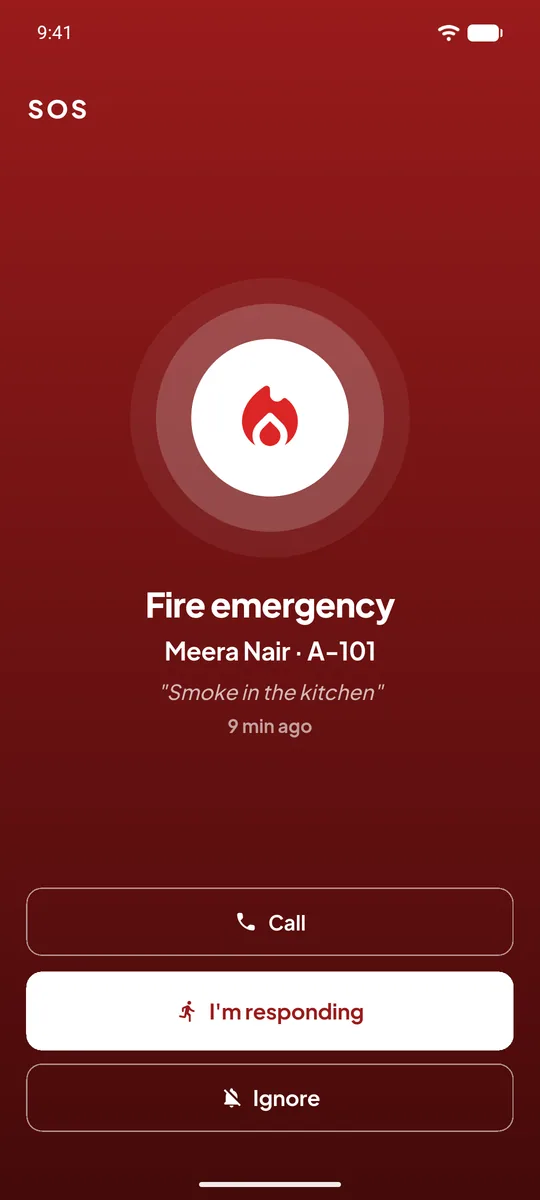
Its own siren
An SOS sounds different from a visitor request or a guard task, so a guard knows what is ringing without looking at the phone.
When seconds matter, a message in a chat group is not enough. One press in the UrbanGate app raises a siren on the phones of all the society's guards and the committee members who handle emergencies.
Last updated 26 October 2026UrbanGate helps your society respond quickly. In a real emergency, always call 112 as well.
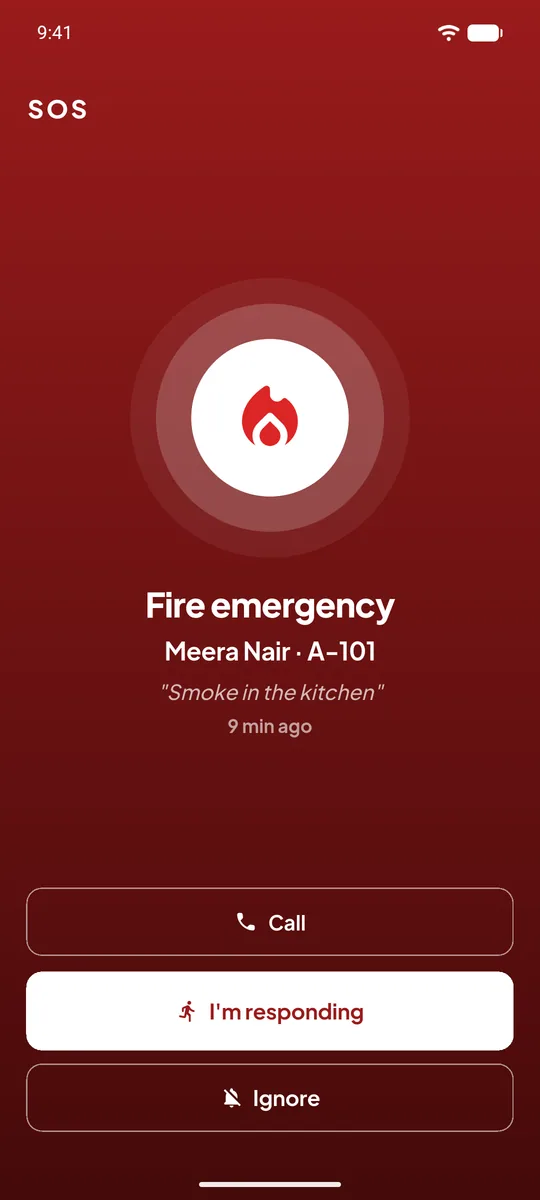
Picks the type of emergency and, if there is time, adds a message. The flat and name go with it automatically.
A siren and a full-screen alarm open on all guards of the society and the committee members who handle SOS.
The guard taps "I am responding" or calls the resident. The others see who is on the way.
The app tells the person who raised the SOS that help is coming, and the event stays in the society's record.
An SOS sounds different from a visitor request or a guard task, so a guard knows what is ringing without looking at the phone.
The alarm opens on the lock screen and over other apps. The app's set-up page turns on the permissions this needs, once.
Every guard of the society is rung, so an emergency never depends on one person seeing a message.
Every guard of that society and the committee members the society has chosen to handle SOS. Other residents are not alarmed.
It opens full screen on a locked phone with its own siren. The app asks for the notification, full-screen and overlay permissions it needs the first time it is opened.
No. It alarms the society's own guards and committee and shows the emergency numbers so you can call them in a tap. In a real emergency always call 112 as well.
It shares the flat number and name. UrbanGate does not read the phone's GPS location.