1. Home
  2. Solutions

One platform, three people it helps

A society works when residents feel safe, guards know what to do and the committee can see what is happening. UrbanGate gives each of them their own view of the same system.

Last updated 26 October 2026
For residents

Know who is at your door and what you owe

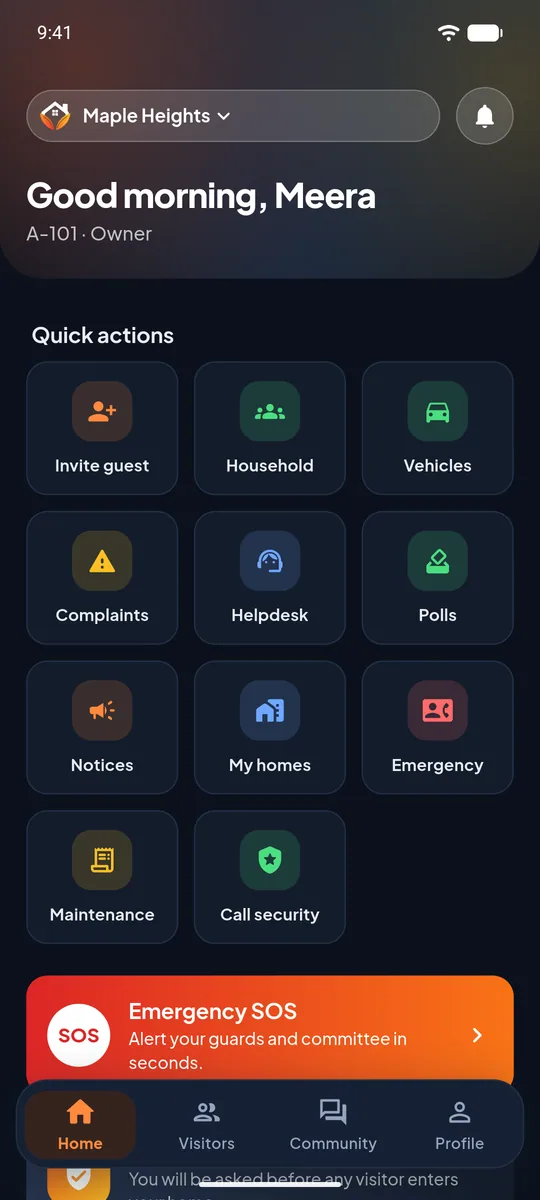
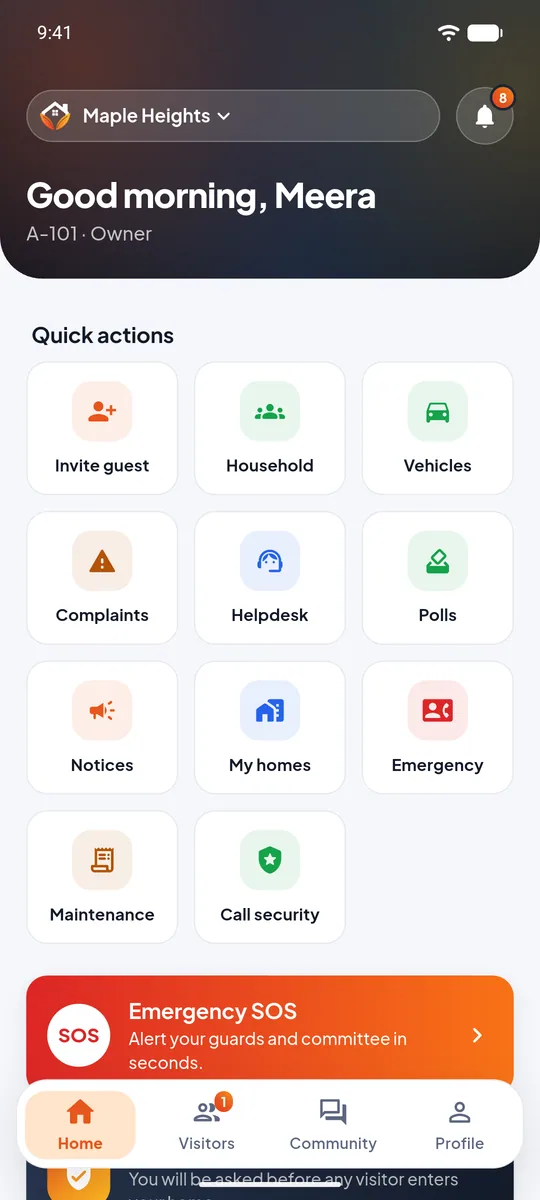
  • Answer visitor requests from anywhere, as easily as a phone call.
  • Invite guests with a pass so they walk in without a wait.
  • See maintenance month by month and keep every receipt as a PDF.
  • Raise an SOS, call security, log a complaint or vote in a poll.
  • Add family, tenants, domestic staff and vehicles in one place.

See resident features

Resident home screen
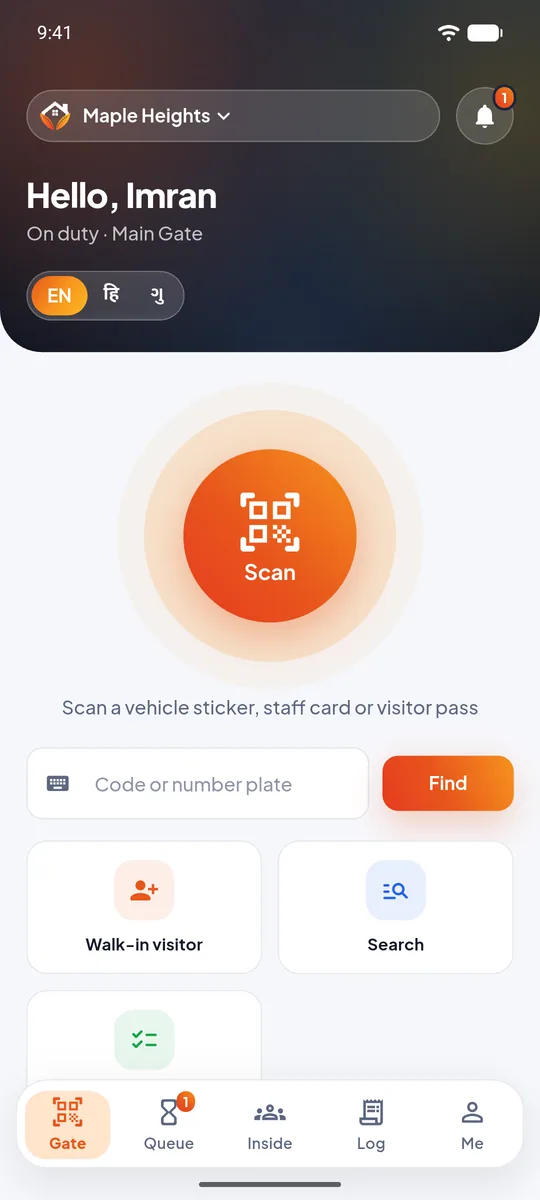
For security guards

Clear steps, in your own language

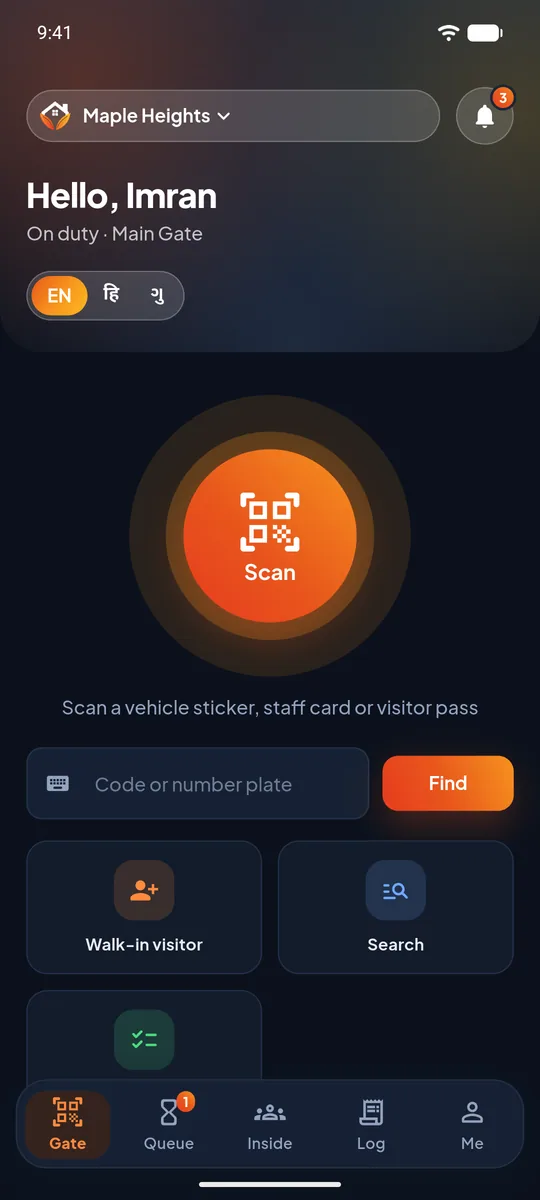
  • Scan passes and stickers, or search by plate number.
  • Register a walk-in in a few steps and see the resident's answer at once.
  • Be rung for SOS and for scheduled tasks, with a separate sound for each.
  • Use English, Hindi or Gujarati, and one login for more than one society.

See guard features

Guard home screen
For the society office

Run the society from facts, not memory

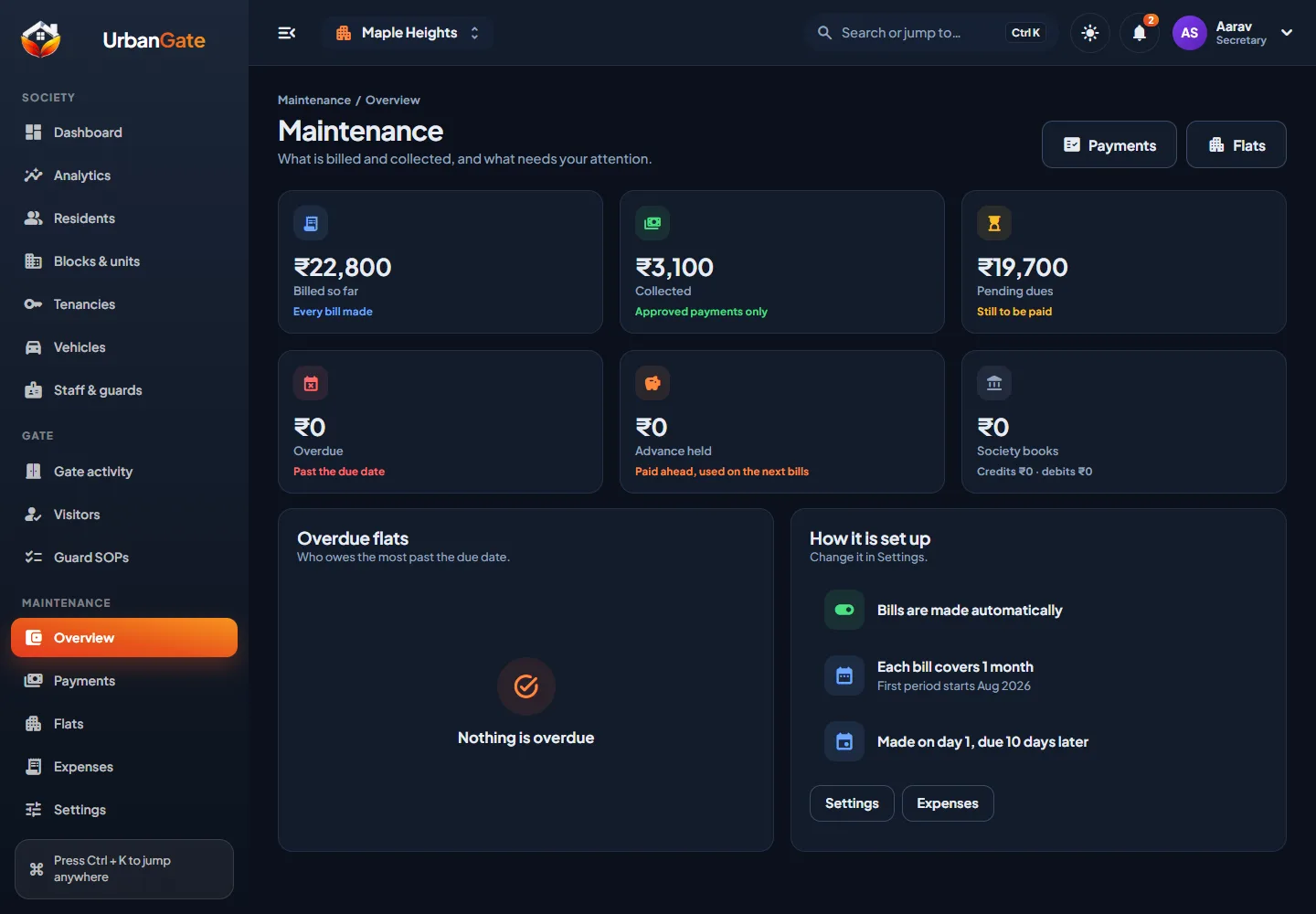
  • Set maintenance per flat and approve or reject payments, with a receipt for each approval.
  • Set guard tasks and see which were done and which were missed.
  • Approve new residents, manage blocks and flats, and keep staff records.
  • Publish notices, run polls and answer the helpdesk.
  • Give each committee member only the rights they need, with an audit log behind it.

See office features

UrbanGate web panel maintenance overview
Where it fits

Every kind of residential community

Apartment buildings

Blocks, floors and flats, with owners and tenants linked to each flat.

Row houses and bungalows

Houses on lanes and in clusters, with one gate and shared guards.

Gated townships

Several gates and guards, and many flats, with the committee working through permissions.

Getting started

From first call to first visitor

Talk to us

Tell us about your society and we show you the app with sample data.

Set up the society

Blocks, flats, the committee and the guards are added from the office app or the web panel.

Invite people

Residents and guards sign in with their mobile number and a one-time code. The office approves residents.

Go live at the gate

Guards start registering visitors and the first approvals ring on residents' phones.

Request a demo